

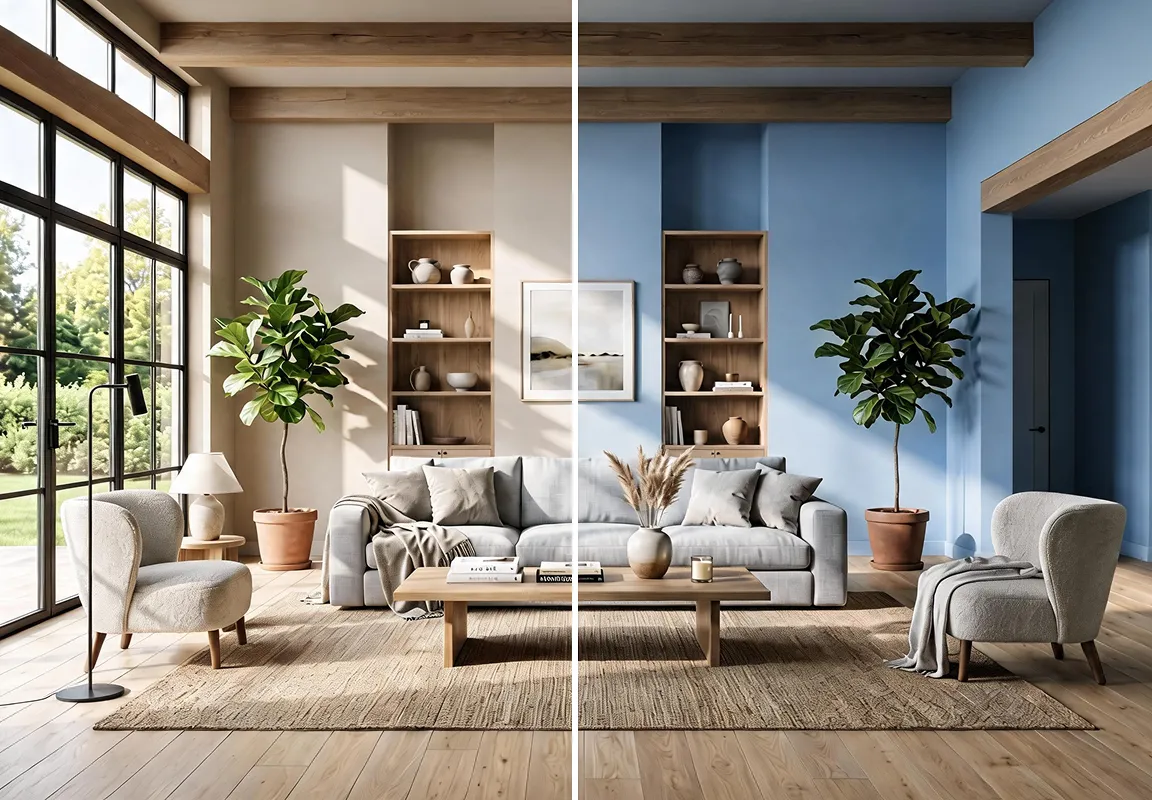

AI wall design is one of the innovative tools that give you an opportunity to try different ideas for decorating your home’s walls before buying paint or wallpaper or carrying out any actual changes. Instead of being torn between colors, patterns, and materials, you can explore visual representations that help you know how the idea will look inside your space, and whether it suits the furniture, the lighting, and the decor style you prefer.
In this article, you will learn about the ways of AI wall design, and how to try various ideas and choose what suits your home.
What Is Meant by AI Wall Design?
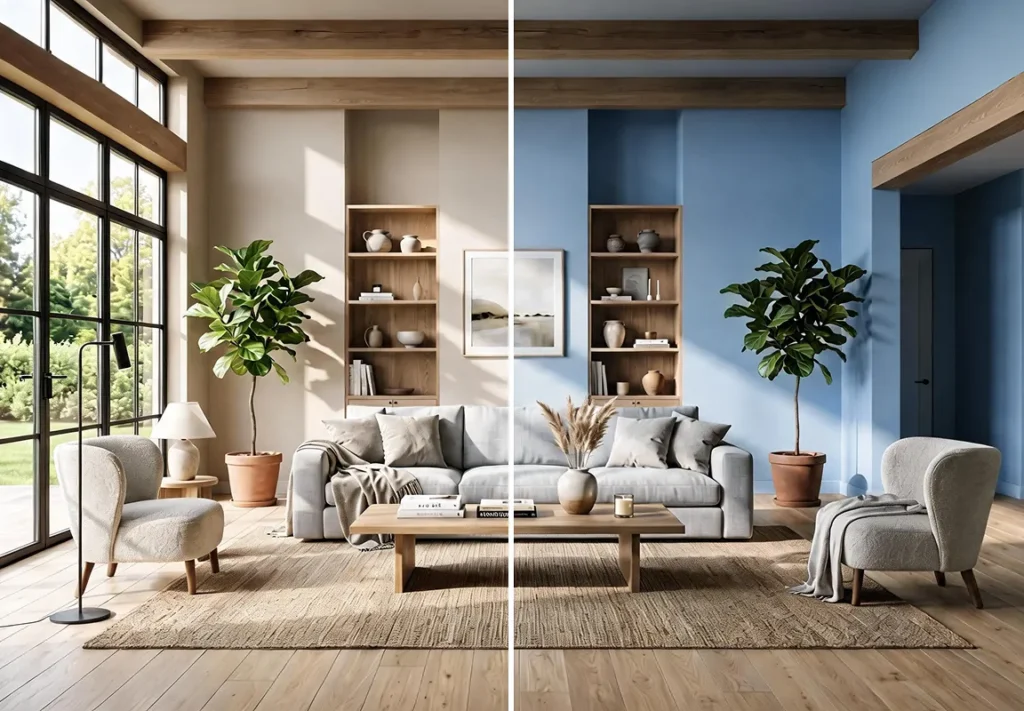
It is the use of smart tools to change the look of the wall starting from a real photo of it, instead of relying on imagination or trying colors and materials manually.
Through these tools, you can also explore different looks for the wall, from changing the paint color to adding wood panels, wallpaper, or decorative elements, while picturing the result before actually implementing it.
The importance of this technology lies in the fact that it gives you the freedom to try more than one idea without committing to a single design from the start.
If you are thinking about renovating a living room wall or adding a distinctive touch behind the bed, you can compare multiple options and see how well they match the shape of the room and its furniture.
How Does AI Help You Try Wall Decor Ideas?
Instead of imagining how the wall will look after renovation, you can use an AI wall design tool to create multiple visual representations starting from its current photo.
This method helps you compare ideas and evaluate them before making a decision about the final design. Among the most prominent ways to benefit from it:
- Comparing different wall color shades and finishes, such as wallpaper, and their effect on the room’s atmosphere.
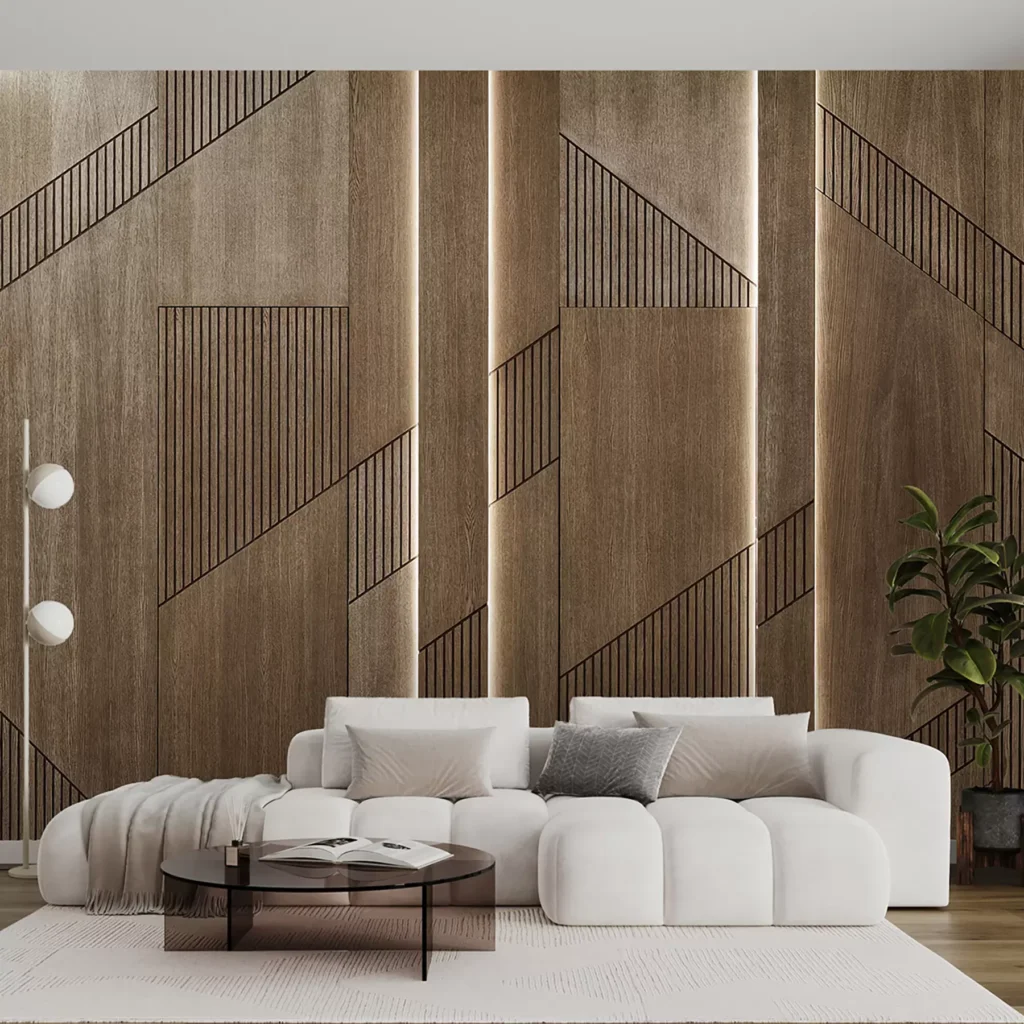
- Picturing different materials, such as the look of the walls when adding wood, stone, or marble.
- Adding decorative elements such as shelves, paintings, or lighting, and seeing their effect on the look of the wall.
- Customizing the design according to your needs, and specifying the elements you want to add, keep, or avoid.
- Trying partial or complete changes, so if you only want to update a specific area, you can focus on it instead of redesigning the entire wall.
What Wall Design Ideas Can You Try with AI?
Wall design ideas vary according to the nature of the room, the budget, and the style you prefer.
By using AI wall design tools, you can explore more than one direction and compare its effect on the space before choosing the suitable idea. Among them:
Colored Walls and Wallpaper
You can try neutral shades such as beige and light gray, or choose a bold color that gives the wall a stronger presence.
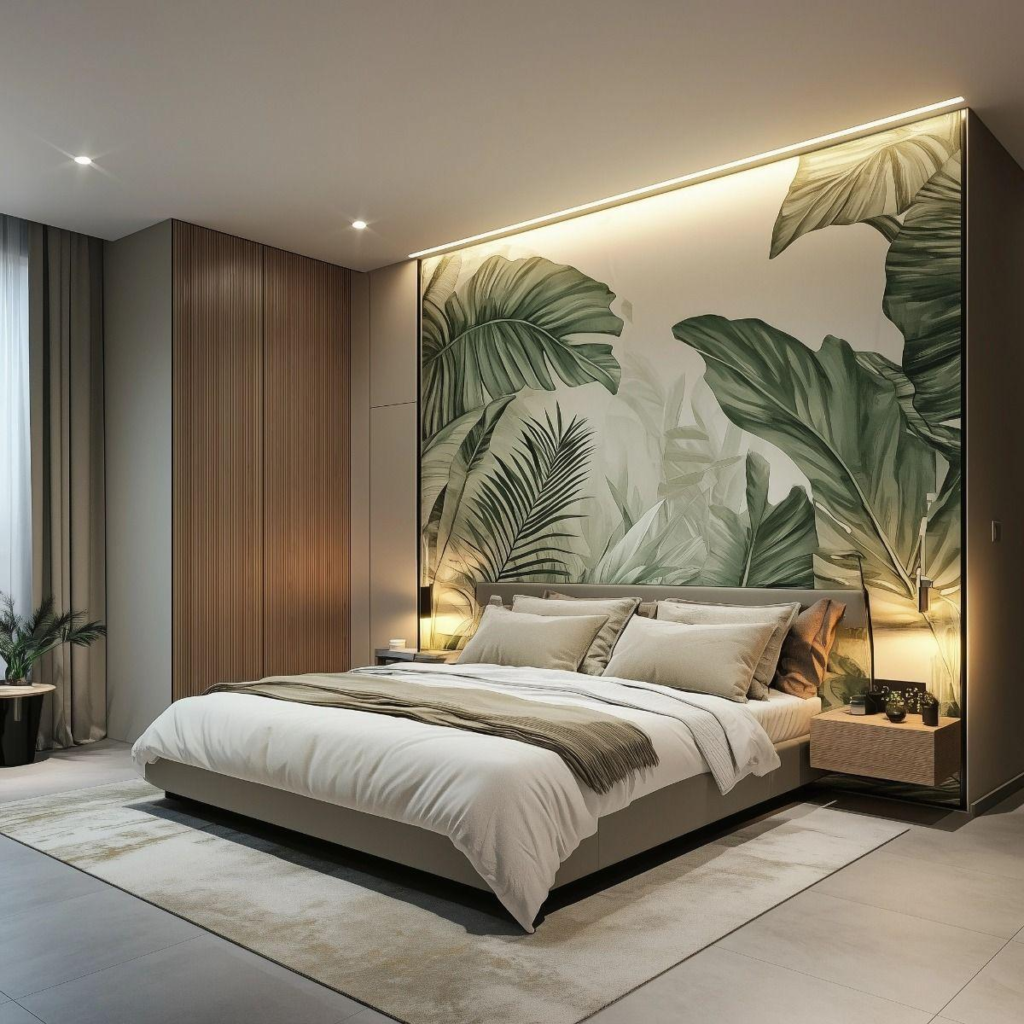
If you prefer patterns, you can explore geometric, botanical, or calm-design wallpaper, and compare its effect with solid colors.
Wood Panels, Stone, and Marble
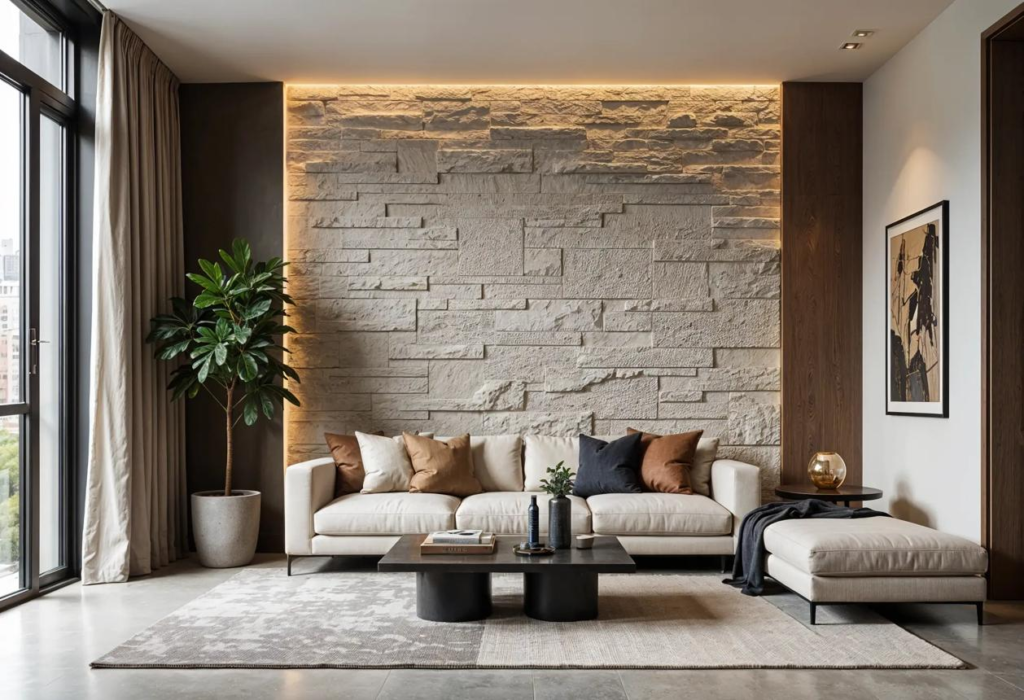
Different materials add a distinctive character to the walls. Wood suits warm atmospheres, while marble gives an elegant look, and stone can add a clear visual texture.
This experience, using the right AI wall design tool, allows you to compare these options before deciding on the material that suits the room’s decor.
TV Wall and Fireplace
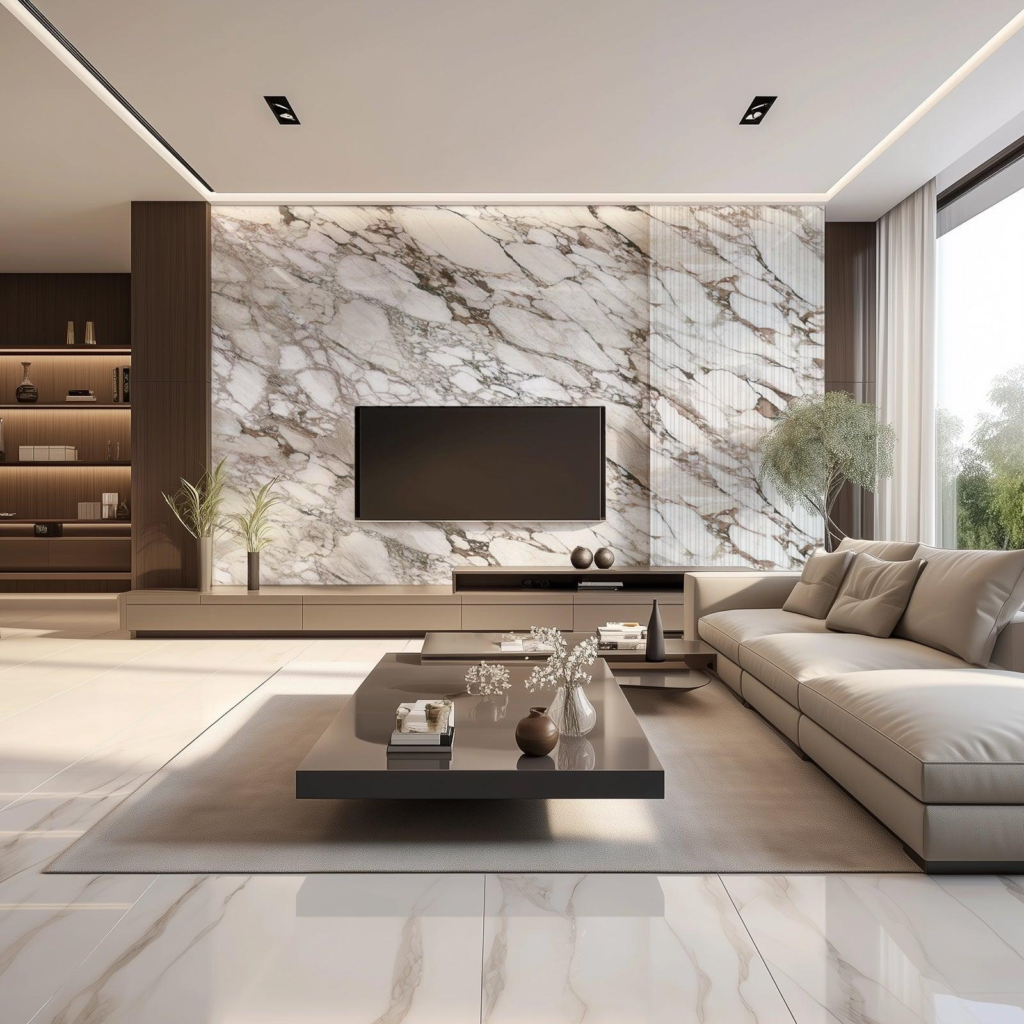
If you want a practical design for the living room, you can try a wall that includes the TV and a storage unit or built-in shelves.
You can also explore designs that combine the TV and the fireplace, while changing the materials, colors, and the way the elements are laid out to reach a coordinated look.
Shelves, Lighting, and Wall Decor
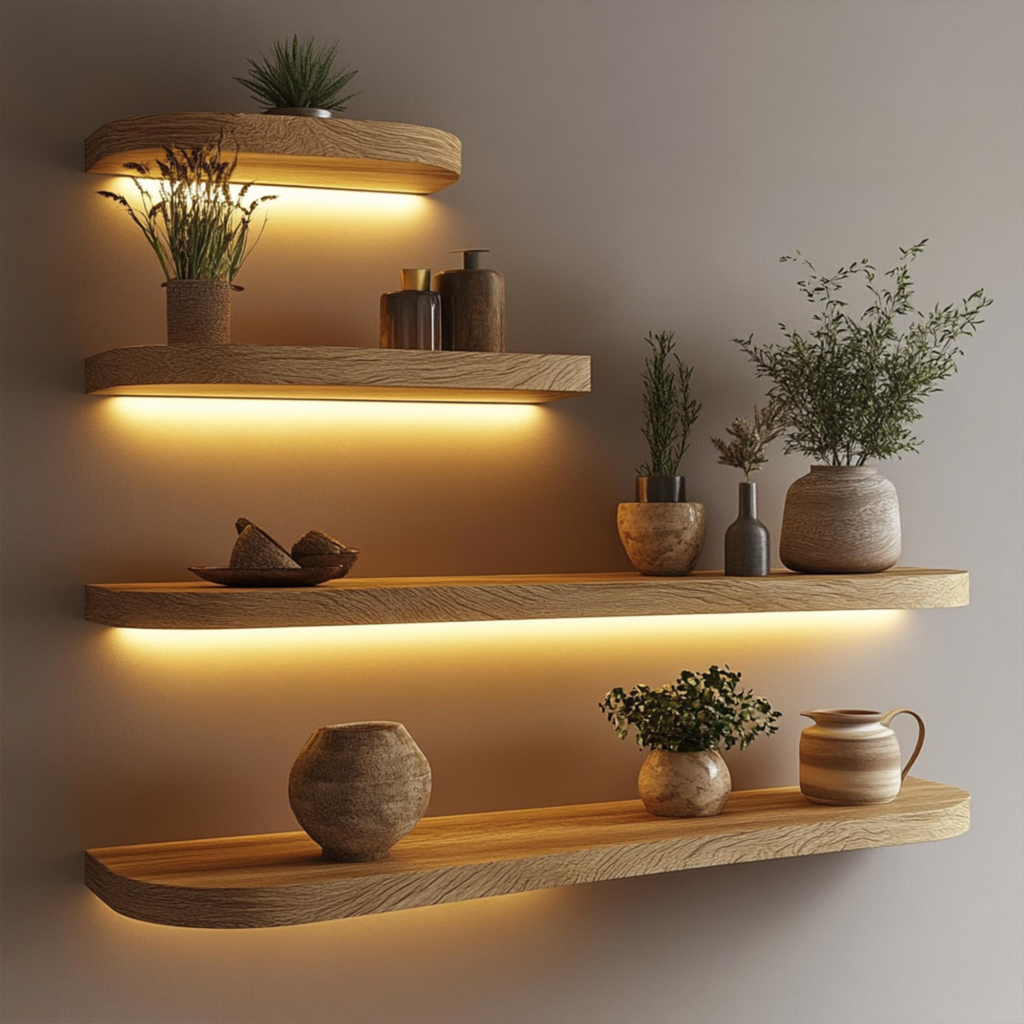
Renovating the wall does not always require changing its material entirely. Adding shelves, paintings, wall niches, or hidden lighting may be enough to make a noticeable difference.
You can also try the layout of these elements and their different sizes to determine the most suitable look, taking into account the available space and the function of the room.
Why Use Zory for AI Wall Design?
Zory’s wall design tool helps you try new ideas starting from a photo of your actual wall.
This is instead of relying on ready-made photos that may not reflect the dimensions or details of your space.
You can also customize the design according to your taste, whether you want to change the finishes, add decorative elements, or rearrange the look of the wall entirely.
Among the most prominent features of Zory’s AI wall design tool:
- Designing starting from your real wall: The experience starts from a photo of your own wall, taking its dimensions and proportions into account when changing its look so that it suits the space.
- Customizing the details as you wish: You can specify the colors and materials you prefer, and describe the elements you want to add, remove, or avoid.
- Trying various options: Explore paints, wallpaper, wood panels, and stone and marble finishes, along with the TV, the fireplace, shelves, lighting, and paintings.
- Modifying part of the wall or designing it entirely: If you want to update a specific area, you can focus on it instead of changing the look of the whole wall. You can also start with a wall that contains decor or remove these elements first.
- Moving from visualization to searchable options, as after choosing the design you like, you can use the Color Finder tool to find similar paint shades. Also the Furniture Finder tool to explore similar decor and products and learn which stores offer them.
These features give you room to try different ideas and compare them before making purchase or implementation decisions, while keeping the freedom to modify the design until you reach the result that suits you.
Therefore, this tool from Zory is considered one of the best AI tools for interior design.
Steps for AI Wall Design Using Zory
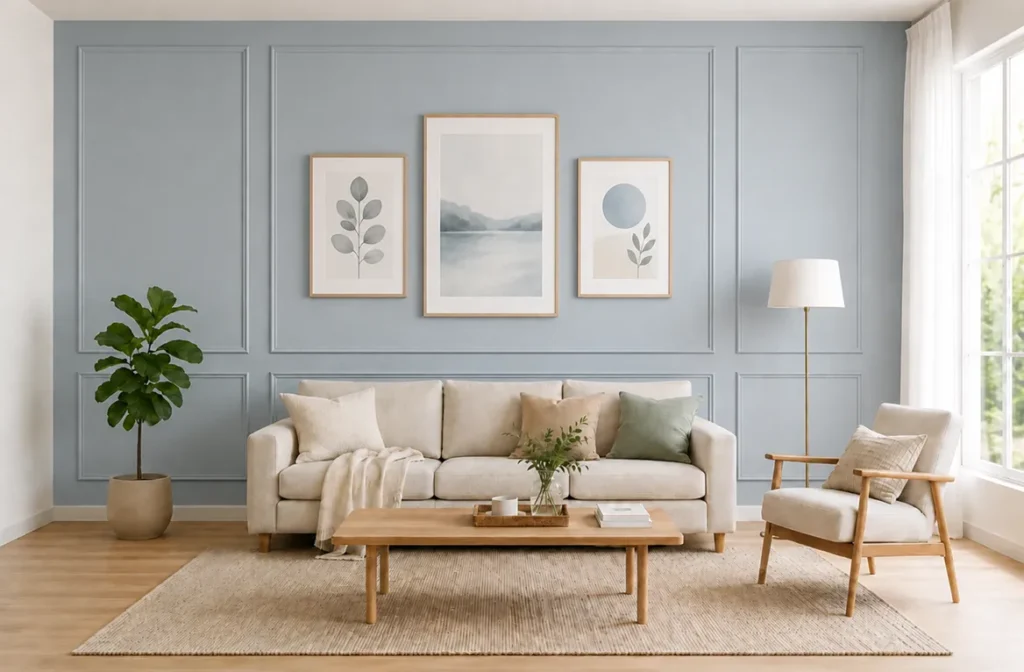
You can use Zory’s wall design tool to create multiple visualizations of your wall within minutes. For an ideal implementation, follow these steps:
- Choose a clear photo of the wall you want to renovate, whether it is empty or contains decorative elements. If you prefer to start with a clean space, you can remove the existing decor first using the Furniture Removal tool.
- Choose the materials, finishes, and colors you want to try, such as paint, wallpaper, wood panels, or marble. You can also specify the elements you want to add, such as the TV, the fireplace, shelves, or lighting.
- Add your own instructions and describe the result you imagine clearly, and specify what you want to keep, change, or avoid.
- Run the tool to see the resulting visualization, then try different ideas in colors, materials, and decor layout. Finally, compare the results and choose the design closest to your needs.
How Do You Choose the Right Colors, Materials, and Decor for Your Wall?
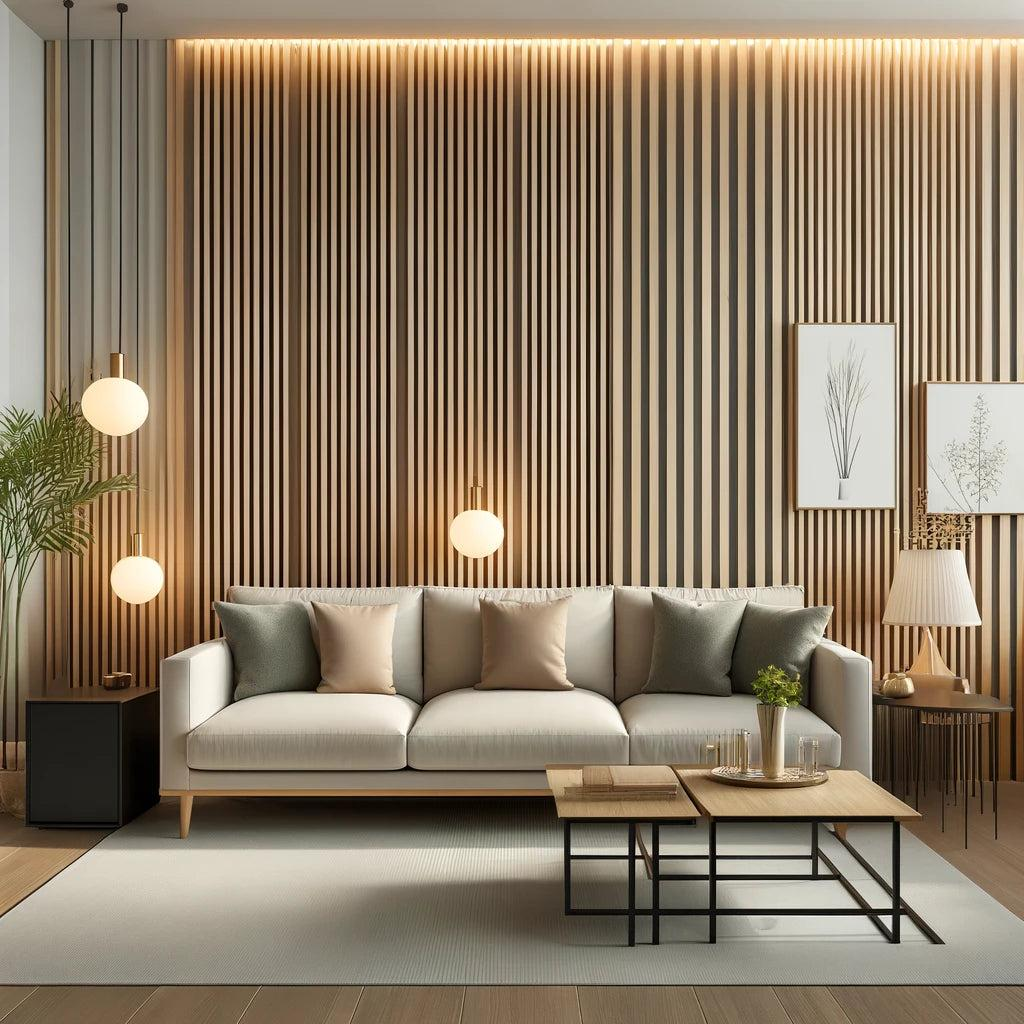
Choosing the wall design depends on the nature of the room, the furniture in it, the lighting, and the available budget.
Therefore, it is not enough for the design to look beautiful in the photo; it should suit the space and serve the purpose you want from it.
Here are some tips for using the AI wall design tool and choosing the right colors and materials:
- Choose colors according to the room’s atmosphere: Light colors help give the room a sense of spaciousness, while dark colors can add depth and highlight the wall as a main element in the decor.
- Balance materials and furniture: If the room contains wooden furniture, wood panels or earthy shades may suit it. As for marble and stone, they can add texture and contrast to the design.
- Choose the additions according to the wall’s function: The design of the TV wall differs from the wall behind the bed or the wall designated for displaying paintings. The first may need a storage unit and cable organization, while the second can rely on panels or calm lighting. As for the entrance wall, it may suit a mirror, simple shelves, or distinctive lighting.
- Use the tools to determine the closest options: After creating your visualization using Zory, you can use the Color Finder tool to search for paint shades close to the colors that appear in the design.
Tips for Getting a Wall Design That Suits Your Taste and Space
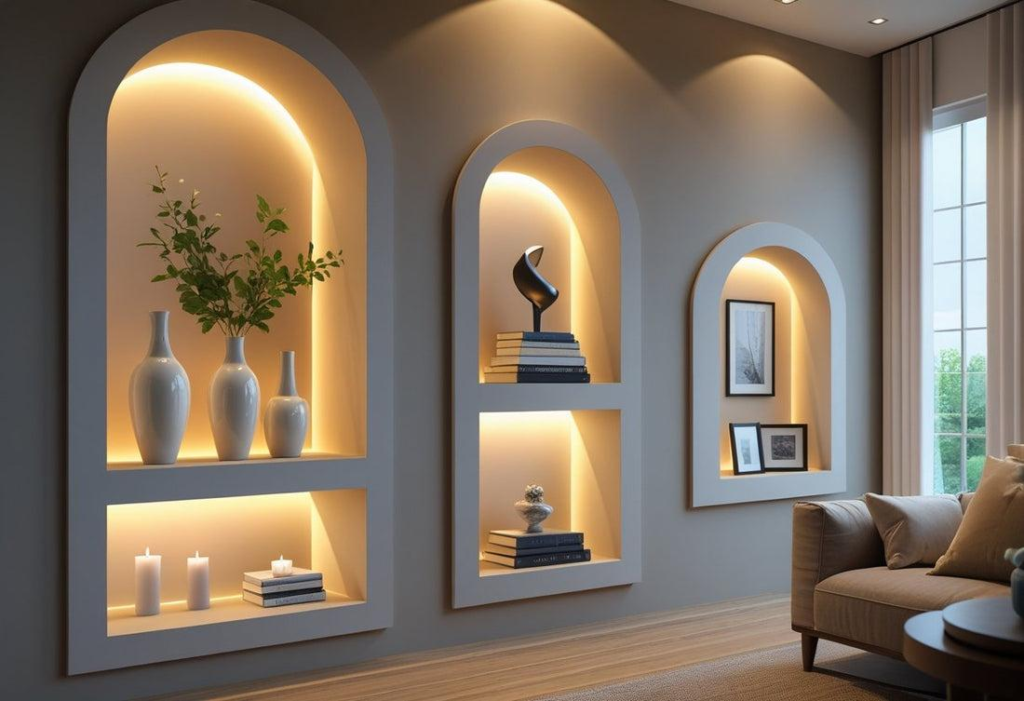
To get results closer to what you imagine using the AI wall design tool, pay attention to the quality of the photo and the clarity of the instructions, then evaluate the design in light of your actual needs. Here is a set of practical tips:
- Take a clear photo of the wall: Try to show the whole wall as much as possible, while avoiding sharp angles or lighting that hides its details.
- Set your goal before starting: Decide whether you want to change the color only, add a new material, or create a distinctive wall that includes the TV, shelves, or lighting.
- Write specific instructions: Instead of just asking for a modern design, clarify what you prefer, such as light-colored wood panels with warm lighting and simple shelves, and specify the elements you do not want to appear.
- Start with a few changes: Try a color, a material, or a decorative element at first, then add other details when needed. This helps you evaluate the effect of each change clearly.
- Compare designs: Create several visualizations, and evaluate the coordination of colors and materials with the furniture and the size of the room instead of choosing only the most eye-catching design.
- Take measurements and use into account: Make sure the shelves, the TV unit, and the decor suit the dimensions of the wall, and that they do not obstruct movement or access to switches and sockets.
Conclusion
AI wall design gives you a practical way to explore different colors, materials, and decor before starting to renovate your home.
With Zory’s wall design tool, you can upload a photo of your wall, try changes that suit your taste and space, then search for paint shades and products similar to the design you chose.
Try Zory now, and discover new ideas that help you renovate your home’s walls with more confidence before implementation.