

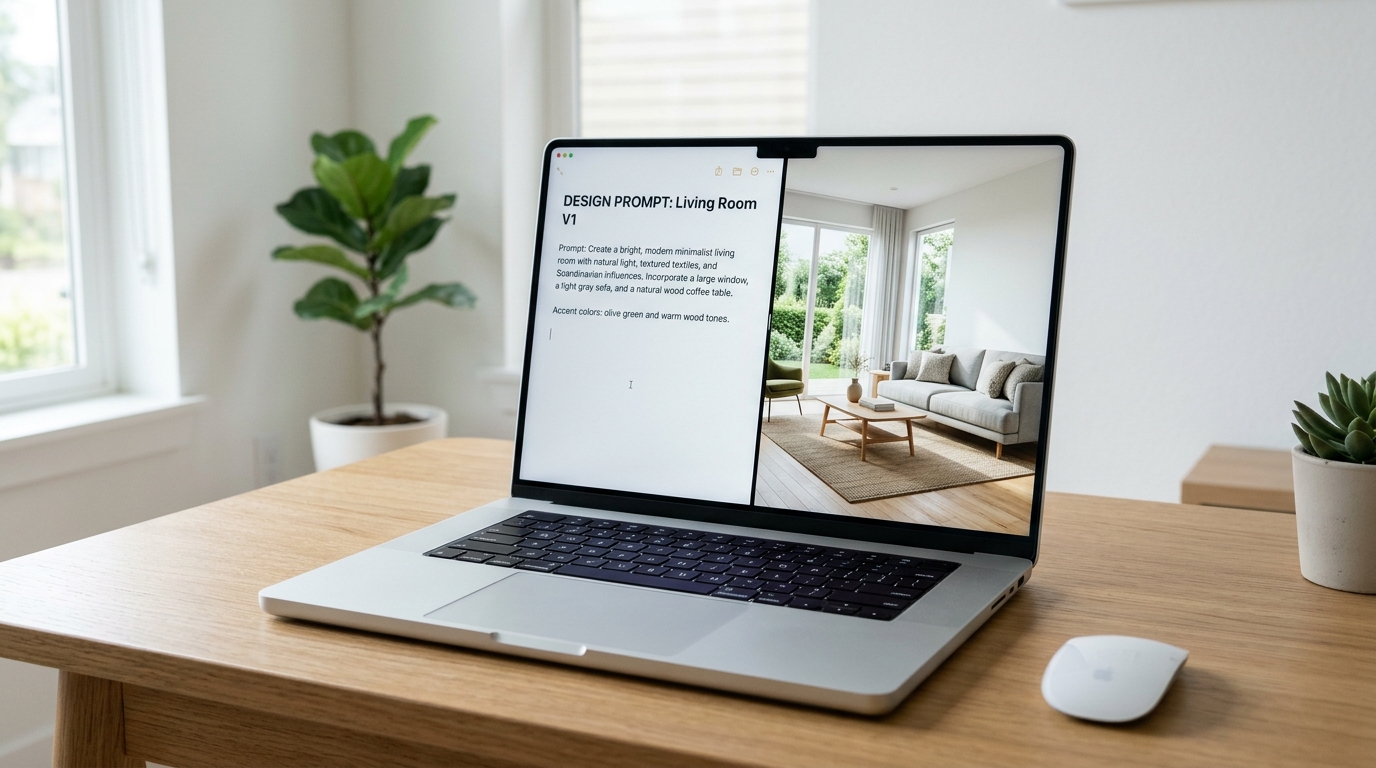

AI text to image tools give you an opportunity to turn your ideas about your home or workspace into visual interior designs. Simply by describing the room you imagine, and choosing the colors, materials, and furniture you prefer, you can explore different visualizations that help you determine the look closest to your taste and needs. The benefit of this technology increases when you want to compare design styles, try a different furniture layout, or imagine how the space will look before starting implementation and purchase.
In this article, you will learn how AI text to image works. We will also explain how to write an effective description to get more realistic results.
What Is Meant by AI Text to Image in Interior Design?
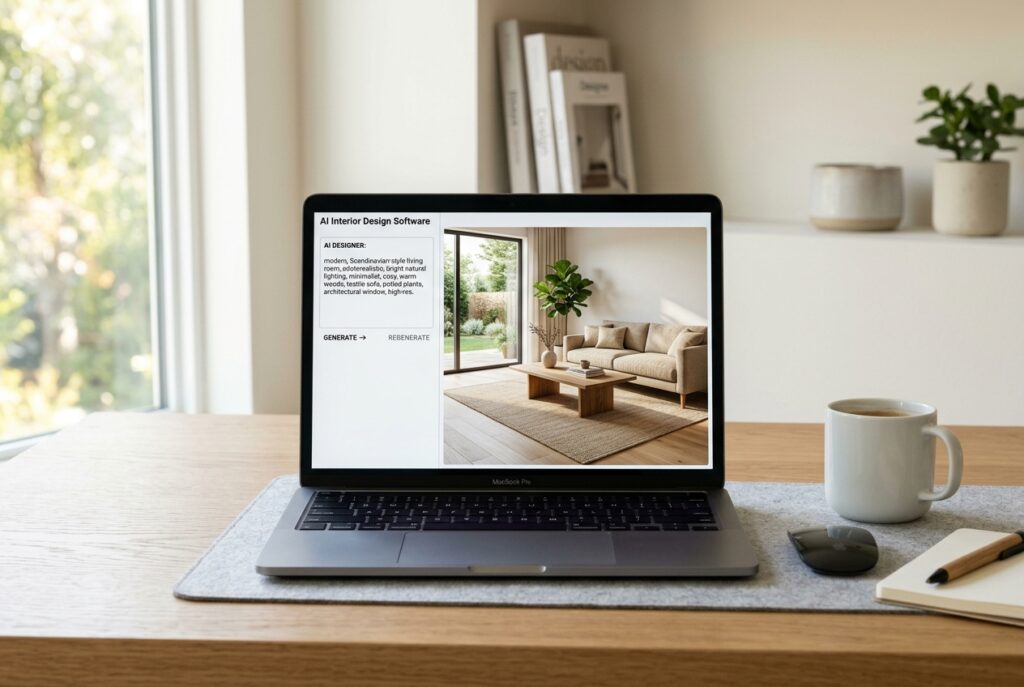
It refers to the use of specialized AI tools to turn a written description into a visual image of an imagined space.
Instead of drawing a manual plan or hiring a designer to create an initial visualization, you can describe the room you want in words, and get a design that helps you explore your idea visually.
The tool uses these details to create an image that reflects the elements you mentioned, and you can change the description to try other colors or styles.
AI text to image tools are useful in designing a variety of spaces, including:
- Residential spaces: Such as living rooms, bedrooms, kitchens, and majlis rooms.
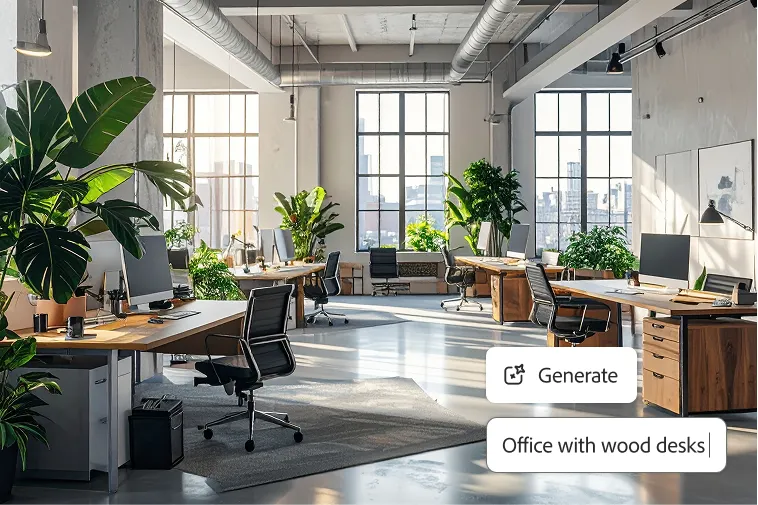
- Commercial spaces: Such as offices, restaurants, and stores.
- Initial visualizations of plans: To explore ideas for space layouts and the design of apartments and homes before moving to detailed planning.
How Does AI Turn Your Written Description into an Interior Design?
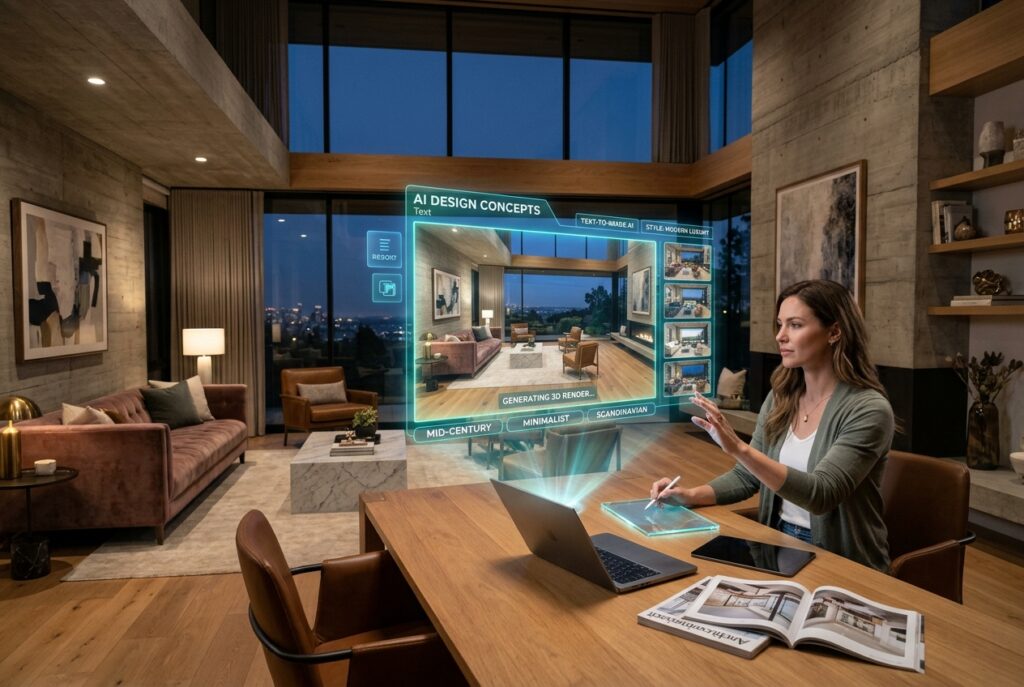
AI text to image tools rely on AI models that learn visual patterns and the relationships between words and images.
When you write a description of the room, the tool analyzes its elements, such as the type of space, the design style, the colors, the materials, and the lighting, then creates an image that tries to express these elements together.
The process usually goes through the following stages:
- Analyzing the text description: The tool identifies the basic elements you want to appear in the design, such as the sofa, the table, the floors, and the colors.
- Interpreting the design style: It recognizes the terms that describe the desired character, whether modern, Scandinavian, Japandi, or neoclassical.
- Creating the image: The tool gathers the elements visually into one visualization that shows the possible look of the space.
- Reviewing and modifying the result: You can change the description or some details to create other visualizations closer to your idea.
How Do You Write an Accurate Description to Get a Realistic Image of the Room?
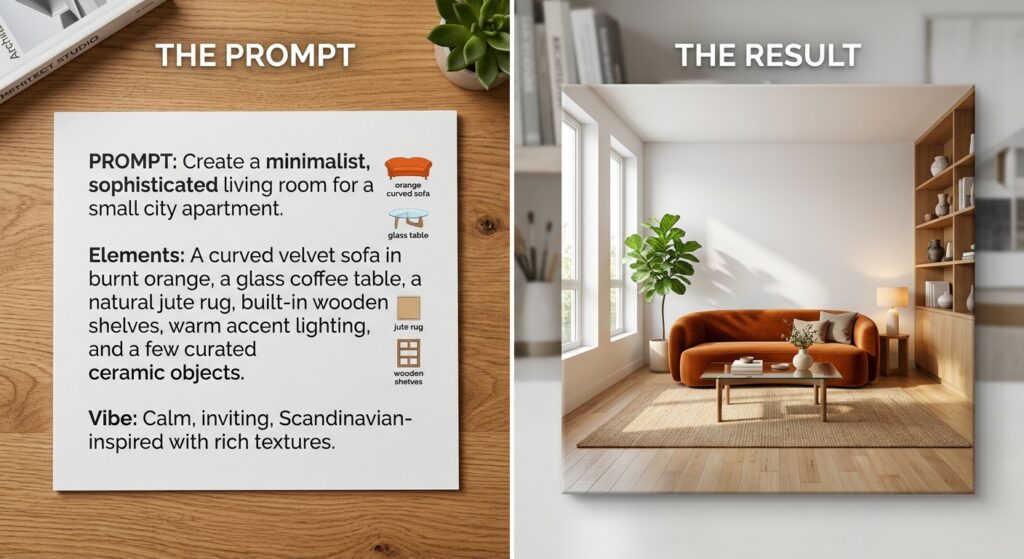
To get a result that expresses your idea when using one of the AI text to image tools:
- Write a description that clarifies the image you want to see, instead of settling for general phrases such as “a beautiful room” or “an elegant design”.
- Start by expressing the main idea of the design, then clarify the relationship you imagine between the room’s elements.
- Use clear and coherent descriptions, and avoid combining contradictory elements in the same text without specifying the result you want.
Also, if the first image does not fully reflect your idea, you can modify some phrases or rephrase the part that did not appear as you expected, then create a new image and compare the results.
What Details Should You Include in the Interior Design Description?
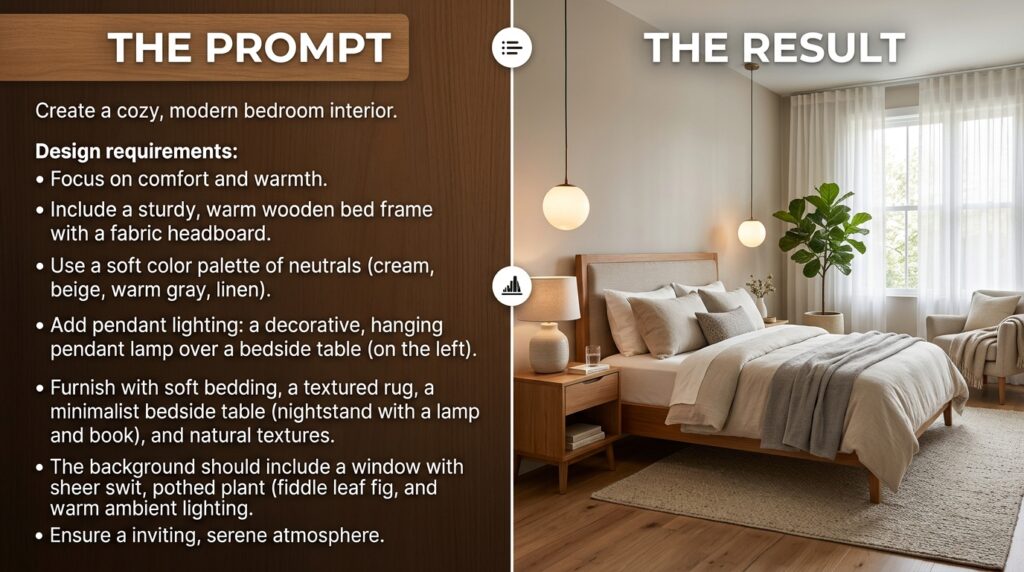
Including the right details in the interior design description helps you guide the AI tool toward the result you imagine.
You do not have to write a long description; rather, choose clear information that defines the features of the space and its basic details.
Among the most prominent details you can include while using one of the AI text to image tools:
- The function of the space: Are you designing a family living room, a bedroom for relaxation, or an office that needs a practical environment?
- The general character: Do you prefer a simple modern atmosphere, an elegant classic design, or a mix of styles?
- The main furniture: Specify the pieces you want to appear, such as the sofa, the coffee table, and the TV unit, or the bed and the wardrobe.
- Colors and materials: Clarify your preferences regarding the colors of the walls and floors, fabrics, wood, and metals.
- The nature of the space: Mention whether you imagine an open room, a small space, or an area connected to another room, depending on the required design.
- Aesthetic details: You can refer to the paintings, plants, rugs, curtains, and accessories that complete the overall look.
What Are the Best Interior Design Tools for AI Text to Image?
The text to image tool offered by the Zory platform is one of the options worth trying.
It is an AI room design platform that allows turning written descriptions into visual representations of residential and commercial spaces.
Zory suits anyone who wants to explore design ideas before implementing them, whether to renovate a room in the home, picture a commercial space, or prepare an initial idea for an interior design project.
Why Choose Zory’s AI Text to Image for Interior Design?
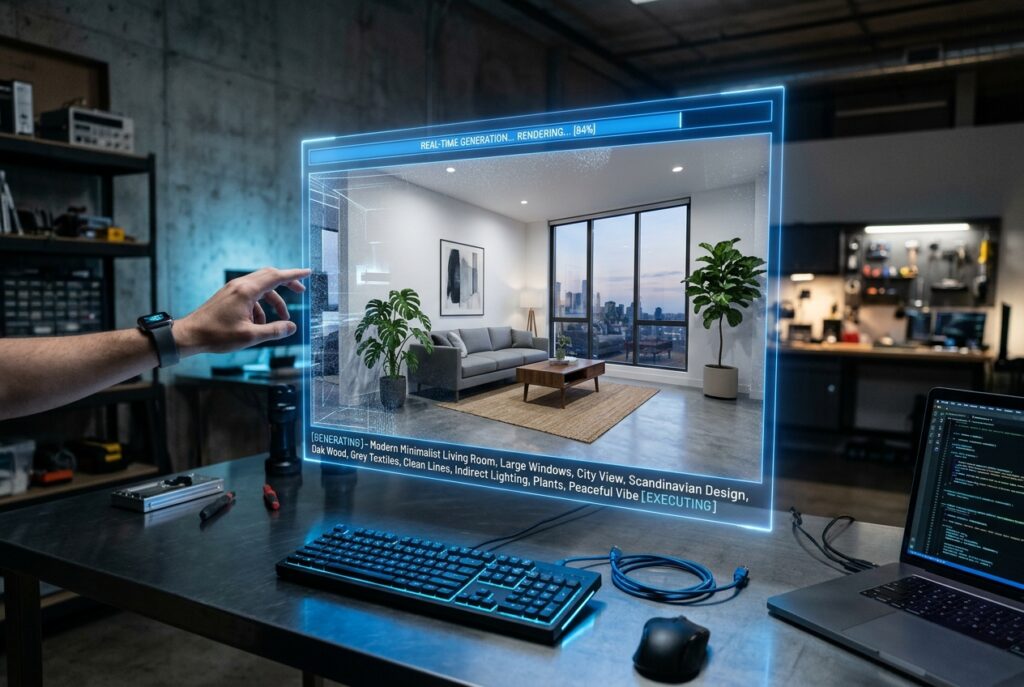
Here are the most prominent reasons that make Zory the best platform for interior design and AI text to image:
- Turning ideas into visual representations quickly, as most designs are created within a few seconds, depending on the details of the description and the processing.
- Exploring different design options, as the tool allows you to create multiple visualizations by modifying the description. This helps you compare before settling on a specific idea.
- Making use of other design tools on the platform, as Zory includes other smart interior design tools that help you redesign spaces, modify some elements in photos, and explore other ideas for interior design.
- Linking the visual representation with choosing furniture, as you can move from exploring the look of the room to searching for real furniture pieces and products available through stores connected to the platform.
- Ease of use without specialized expertise, as you do not need to master design or drawing software to produce an initial visualization. It is enough to describe the idea you want, then review the result and modify it until it gets closer to your needs.
How Does Zory Help You Turn Your Ideas into Interior Design Images?
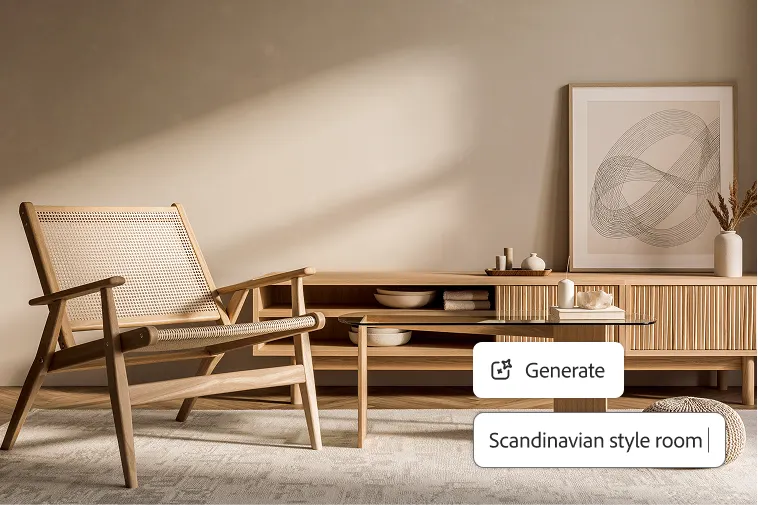
Zory’s AI text to image tool makes exploring interior design direct. To use the tool properly, follow these steps:
- Open Zory’s tool to access the feature of creating interior designs from written descriptions.
- Click the “Try Text to Image” button to go to the design studio, where you can enter your description. You can go to it directly from here.
- Write the description of the space in Arabic or English, specify the type of room and the design you want, and add the details that express your idea.
- Let the tool turn the description into an image, then examine how well it matches your vision in terms of the overall look, the furniture, and the colors.
- If you do not like some details, change the text or the design style and recreate the image. You can repeat the process to explore different ideas until you reach a visualization you prefer.
- After determining the design you like, move on to exploring the real products available through the platform. Then compare the options that may suit the space in terms of look, sizes, and specifications.
How Do You Modify the Resulting Image to Reach the Interior Design You Want?
The first image may not reflect all the details you imagined, and this is normal when using AI text to image tools.
Therefore, do not treat the first result as a final design, but as a starting point that you can develop by modifying the description and trying different alternatives.
Here are Zory experts’ tips for reaching a result closer to your vision:
- Determine what needs to change: Review the image and identify the elements that do not suit you, such as the color of the sofa, the shape of the table, or the density of the decor.
- Modify the required part clearly: Instead of rewriting the whole description, change the phrase related to the element you want to modify, such as replacing dark colors with neutral shades or choosing furniture with a simpler design.
- Try different styles: If the general character does not suit you, try another description in a Scandinavian or modern style, and compare the results to choose the one closest to your taste.
- Keep the results you prefer: Compare the resulting images to determine the elements you want to adopt in the final design.
Zory allows you to modify the description and create multiple visualizations, which helps you explore new ideas without having to start from scratch every time.
How Do You Move from the Generated Image to Choosing Real Furniture and Decor?
One of the most important benefits of AI interior design is the ability to use the resulting image to determine the furniture and decor you want to buy, instead of settling for an inspiring image that is hard to turn into reality.
Here comes the importance of Zory, which links the interior design experience with exploring real furniture products from the stores available through the platform.
After creating the design you like through the AI text to image tool, you can search for products that match its look.
Then choose the same pieces if they are available, or explore the closest similar designs that suit your vision.
In this way, the generated image becomes a starting point for clearer purchase decisions, instead of remaining just a visual representation.
Tips for Getting Realistic Results When Using AI Text to Image
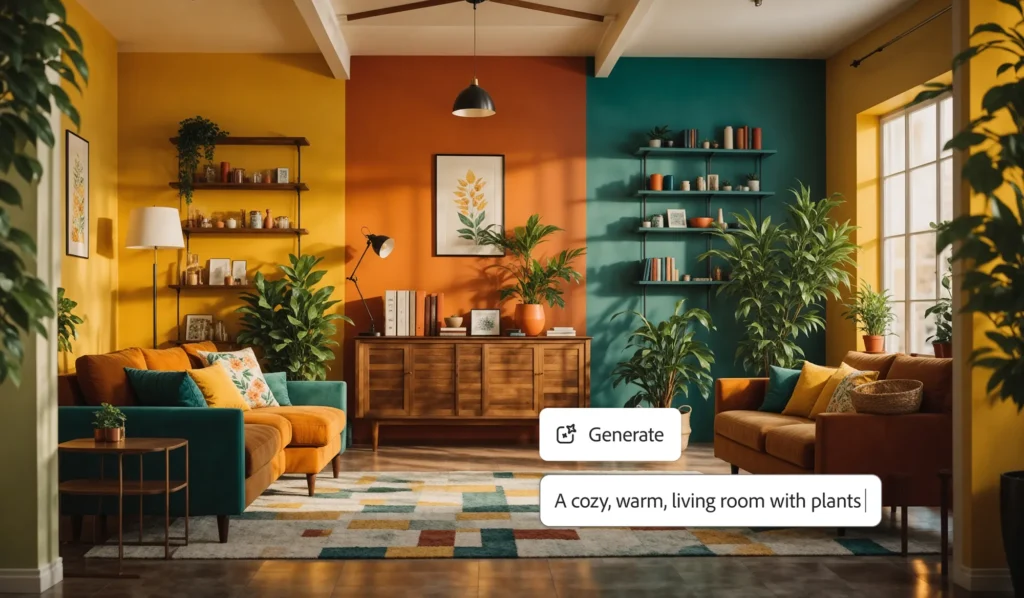
The realism of the resulting design depends on how clear your idea is, and on how well the visualization matches the nature of the space you want to design.
To benefit from AI text to image tools in making practical decisions, keep the following tips in mind:
- Determine the purpose of the room, the number of people who use it, and the activities carried out in it, so that the design reflects your daily needs.
- Take the size of the room into account, so if you are designing a small room, look for visualizations that include appropriately sized furniture and enough space for movement.
- Avoid crowding the design, as too much furniture and accessories may make the image less clear, so focus on the main pieces before adding secondary details.
- Keep the elements coordinated and choose colors and materials that complement each other, and make sure that the furniture and lighting pieces are coordinated.
- Create several visualizations, and evaluate them according to your needs and budget, instead of making your decision based on the first image.
In conclusion, Zory gives you a way to explore design and furniture options before buying, but reaching a suitable result requires combining the visual representation with practical needs and accurate measurements.
In this way, you can benefit from AI to develop your idea and make more informed decisions when furnishing your home or designing your commercial space.
Try Zory now and explore design styles, colors, and furniture, and get the products that turn your vision into a space that suits your taste and needs.