

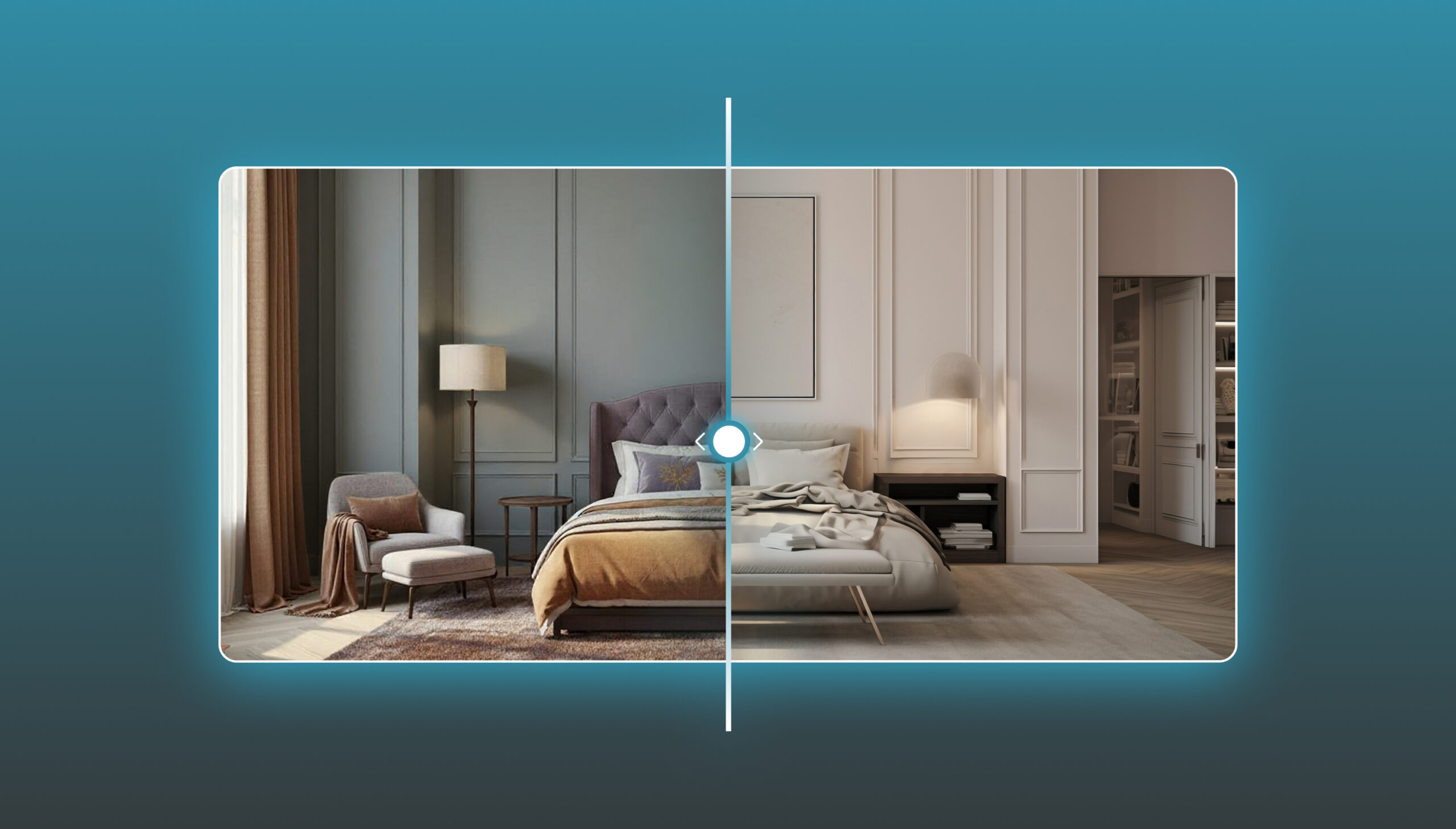

AI room redesign from photo has become an easy way to explore a new look for your space without needing to start from scratch or imagine the result based on description alone. All you need is a clear photo of the room, and then you can try different styles, colors, and layouts to see what the space could look like after redesigning it. But the real value lies in using AI to understand the space and suggest ideas that are more in tune with its nature and needs.
In this article, we go over how AI room redesign from photo works, and what you can get out of it. We will also show you the best tool you can rely on to get a realistic design.
What Does AI Room Redesign From Photo Mean?
AI room redesign from photo tool means using a real photo of your space to create a new visualization of it, without needing to redesign it manually from the start.
Specialized tools let you try out different furniture, colors, styles, and moods, while keeping the shape and proportions of the room as close to the original as possible, so you can see what your space could look like before making any actual change.
How Do AI Room Redesign Tools Work?
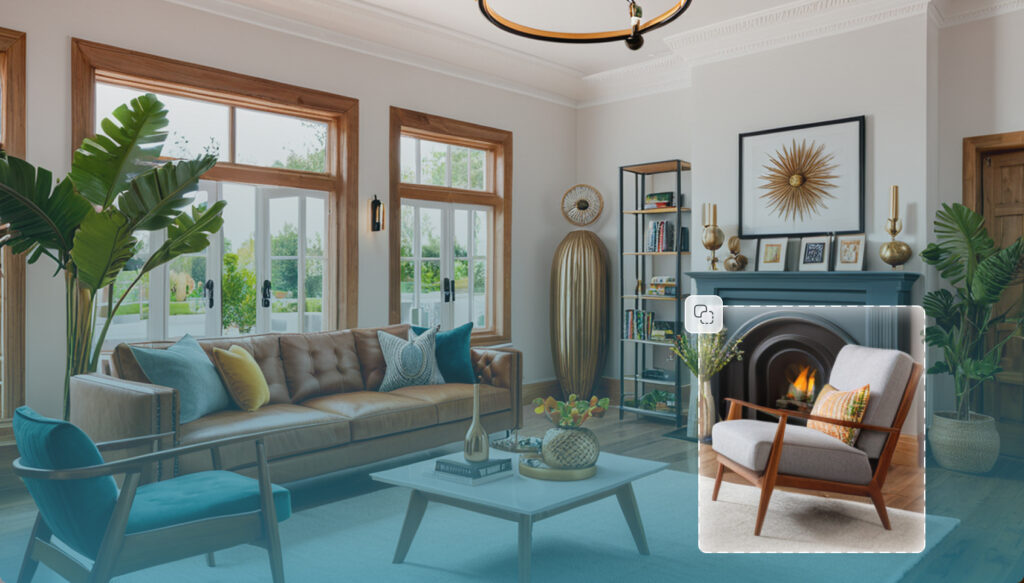
The process begins by uploading a clear photo of the room, then specifying the type of design you want, such as the style, colors, and mood. You can also indicate the elements you want to keep, change, or remove.
Artificial intelligence then analyzes the photo and creates a new visualization of the space, and you can try more than one result and compare them to reach the idea closest to your taste.
What Can You Change in Your Room Using AI?

The change is not limited to swapping one furniture piece for another, you can reimagine the entire room according to your needs:
- Furniture: changing the pieces and their arrangement and exploring new options.
- Colors: trying different colors for the walls and interior elements.
- Style: switching between modern, classic, luxurious, minimalist, and others.
- Mood: trying warm, calm, or more luxurious visualizations.
- Décor: adjusting the details and elements that give the room its distinctive character.
- Existing details: specifying what you want to keep, change, or remove from the design.
How Does an AI Room Redesign Tool Help You Before Buying Furniture?
An AI room redesign tool gives you the chance to see what a piece of furniture looks like within your space before paying for it.
This makes the purchase decision and furniture selection clearer and reduces the chance of choosing pieces that don’t suit the room. It also helps you:
- Try more than one style before settling on a specific design.
- Find out how well the colors and furniture go with the space.
- Compare more than one layout and design easily.
- Discover furniture pieces suited to the visualization instead of buying at random.
- Form a clear idea of the room’s final look before execution.
What Is the Best Tool for AI Room Redesign From Photo?
If you’re looking for a tool that doesn’t just change the look of the photo, but helps you reimagine your actual room and then move on to choosing furniture, Zory is a great choice.
The tool starts from a photo of your actual room and preserves the shape and proportions of the space, then lets you try more than 150 different styles, colors, and moods, with the ability to specify what you want to keep, change, or avoid.
More importantly, the Zory experience doesn’t end at the design. If you like a piece of furniture that appears in the result, you can search for similar products and find out which stores offer them.
This means this tool from Zory links redesigning, furnishing the room, and purchasing in a single experience. All of this makes it one of the best AI interior design platforms.
Steps for AI Room Redesign Using Zory
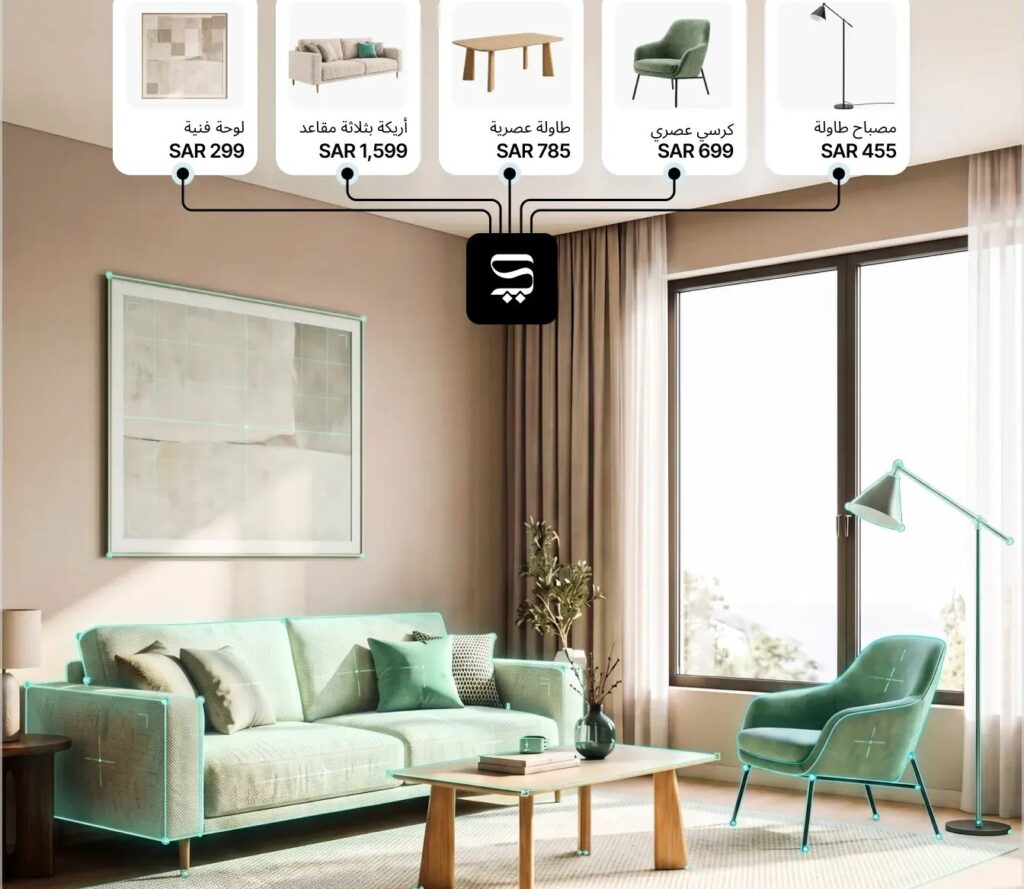
Zory makes the room redesign process simple, and it can be completed in three steps, as follows:
- Upload a photo of your room from here, then choose a photo of a furnished or empty room. You can remove the existing furniture first if you want a cleaner space to start with.
- Customize the design: specify the type of room, the style, the colors, and the mood, and tell Zory what you want to keep, change, or avoid.
- Compare and explore: get more than one visualization, compare them, then search for furniture similar to the pieces you liked and explore purchasing options.
What Are the Advantages of AI Room Redesign From Photo?
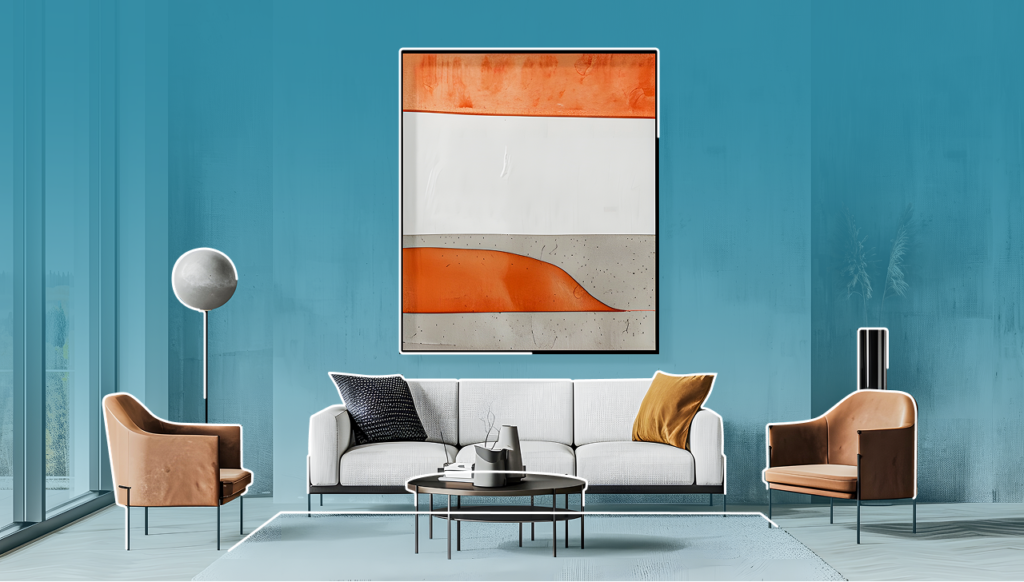
Redesigning a room from a photo makes exploring ideas faster and easier, because it lets you see the proposed changes before actually making them.
Among its most notable advantages:
- Seeing the room in a new way and discovering the potential of the current space instead of imagining it from scratch.
- Trying multiple styles and easily comparing different designs, colors, and moods.
- Saving time and getting initial visualizations within minutes instead of waiting for long design rounds.
- Reducing selection mistakes by trying out furniture and colors visually before buying.
- Making a clearer decision by comparing several results and choosing the design closest to your taste and needs.
Conclusion
AI room redesign has become a practical way to see new ideas and try out styles, colors, and furniture before making any decision. With Zory, the experience starts from a photo of your actual room, then you choose the style, colors, and mood that suit you, and explore several visualizations before searching for similar furniture and buying it.
Try Zory now and turn your room’s photo into a new design you can see before you execute it, and enjoy plenty of smart interior design tools.