

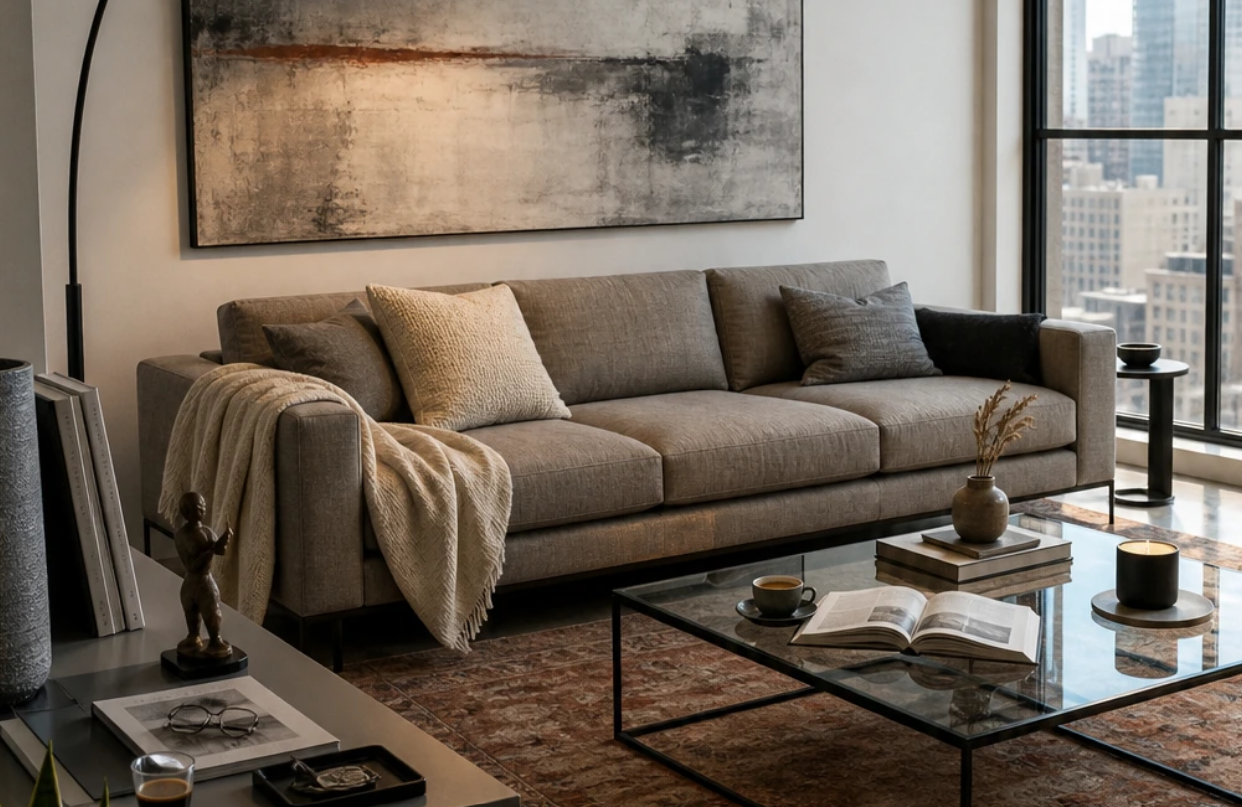

You may find a photo of a room that combines everything you love in decor, but how will these details look inside your own room? AI room design from a photo tools give you an opportunity to turn the designs that inspire you into ideas that suit your home, instead of just saving the decor photos you like and trying to imagine how they would look in your space. Whether you like the furniture style, the harmony of colors, or the lighting and overall atmosphere, you can make use of AI tools to create a design inspired by your taste while taking into account the shape and layout of your room.
In this article, you will learn how to use AI room design from a photo tools to create a customized decor and explore the furniture and colors suitable for it.
What Is Meant by AI Room Design from a Photo?
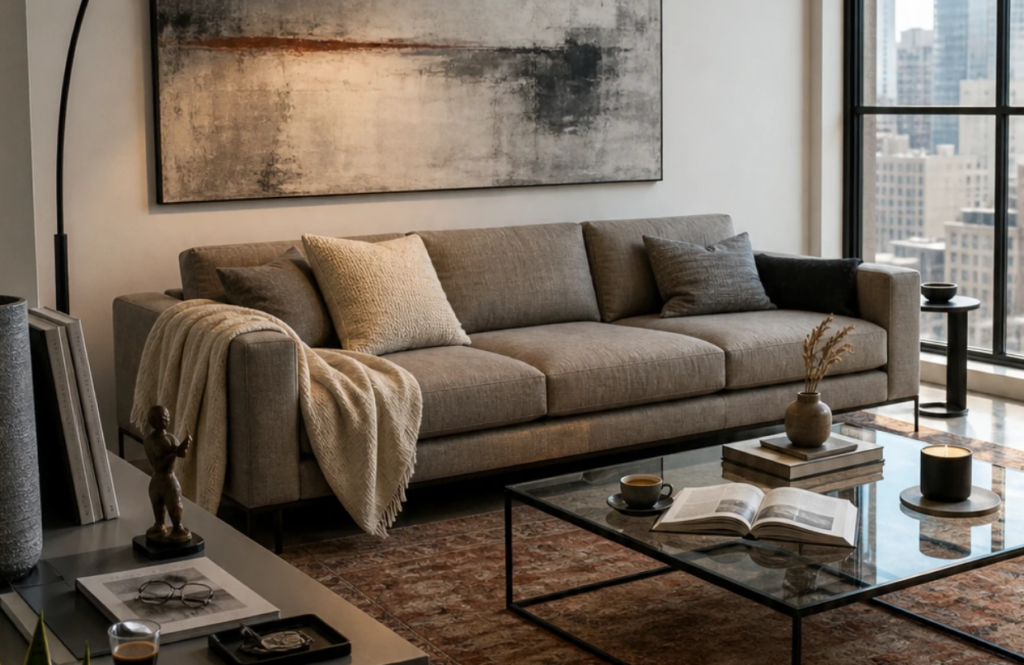
AI room design from a photo refers to using AI-powered tools to turn a reference photo into a source of inspiration for an interior design that suits a specific space.
Instead of trying to copy a room you liked with all its details, you can benefit from certain elements in it, such as the colors, the furniture style, or the lighting, and apply them to your room while taking into account its shape and layout.
AI interior design tools of this kind work as follows, by:
- Combining two photos, a photo of your current space, and a photo of a design that reflects the style you prefer.
- Choosing the elements you want to take inspiration from.
- Then, the tool creates a new visualization that combines the characteristics of the reference design with the features of your space.
How Does AI Turn a Photo into a New Interior Design?
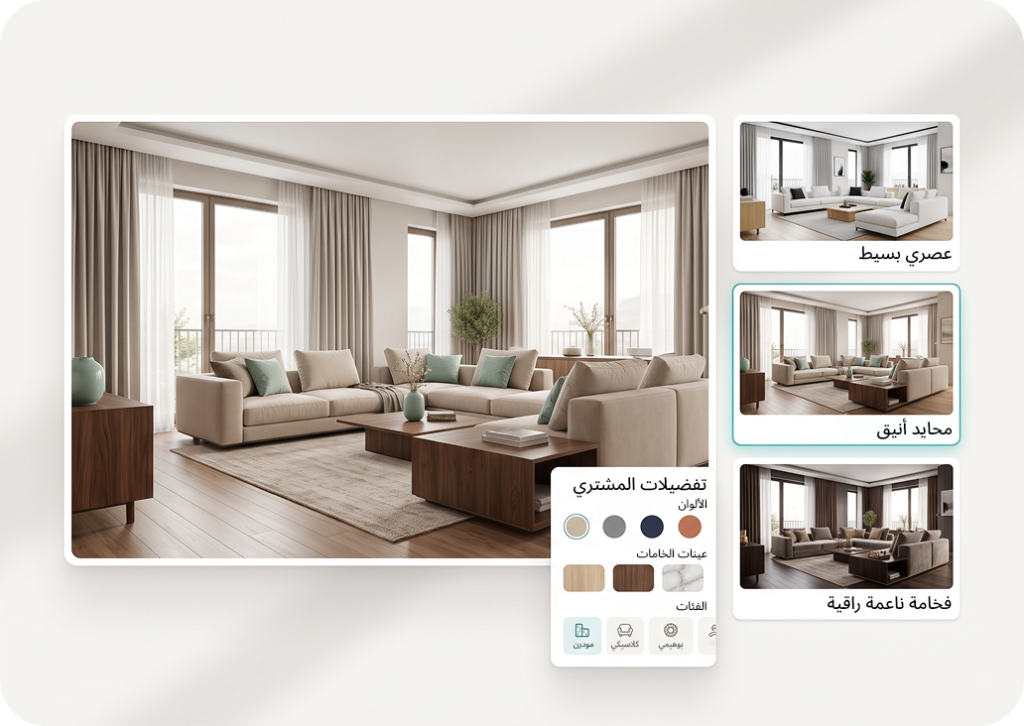
AI room design from a photo tools rely on analyzing photos and extracting visual patterns from them. Then they use this information to create a new visualization according to the inputs you provide.
In the case of taking inspiration from a photo, it is not limited to recognizing the furniture, but also includes the features that give the design its distinctive character. The process takes place through several aspects:
- Analyzing the design style by recognizing the visual features associated with different styles.
- Extracting the color palette and making use of the dominant color shades and the relationships between them.
- Drawing inspiration from the lighting and atmosphere to apply a visualization close to them.
- Adapting the features to the original space and creating a visualization that takes the room’s shape and layout into account instead of transferring the reference room as it is.
Why Use Zory for AI Room Design from a Photo?
The Zory platform helps you make use of the decor photos you like to develop your room’s design, through the smart Reference Style tool.
Instead of settling for trying to imagine how the ideas will look inside your home, this tool helps you take inspiration from specific elements of a reference photo while adapting them to suit your own space. Among the most prominent things that distinguish it:
- Focusing on the details you prefer, as you can choose what you want to take inspiration from, whether the design style, the colors, the lighting, or the general character of the room.
- Controlling the degree of similarity, as the tool allows you to specify whether you want a slight influence from the reference photo or a result closer to it.
- Keeping the character of your space and taking its layout into account, rather than replacing your room with another room.
- Moving from inspiration to choosing, as after creating the design, you can use the furniture discovery tools to find pieces and color shades similar to what you see in the result.
In this way, Zory gives you a practical way to explore different decor ideas before making actual decisions about renovating your room.
Steps for AI Room Design from a Photo Using Zory
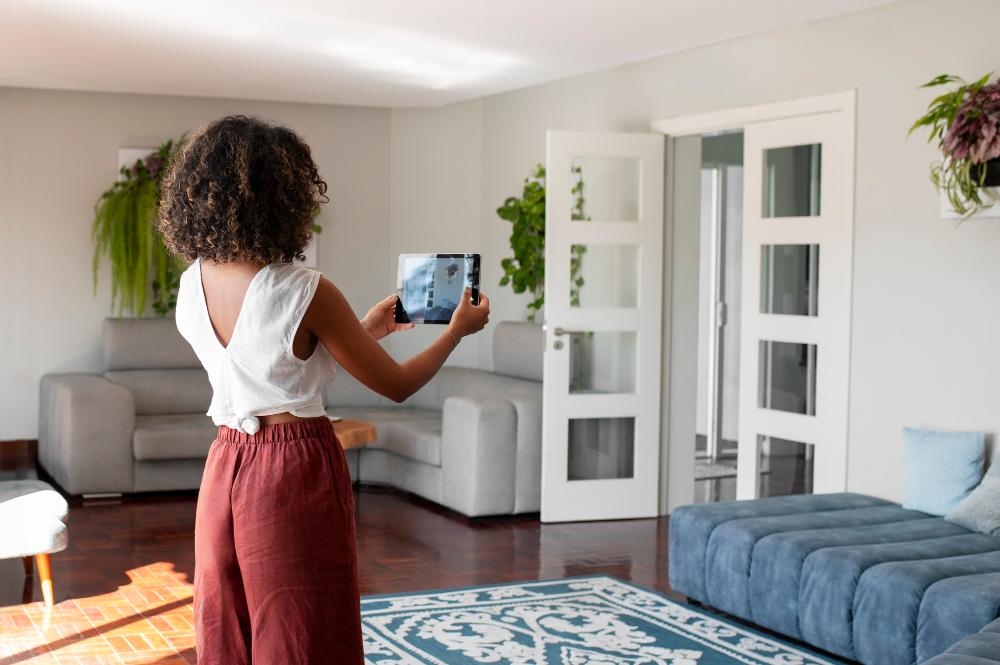
To get a design that combines the style you like with the characteristics of your room, you can follow these steps using Zory’s Reference Style tool:
- Prepare the two photos: Upload a clear photo of your current room, and another photo of an interior design whose ideas you want to take inspiration from.
- Specify the elements you want to apply: Choose the aspects you want to take inspiration from in the reference photo, such as the colors, the furniture style, the lighting, or the general character.
- Adjust the degree of similarity: Choose whether you prefer to take inspiration from only some of the details or to get closer to the style of the original photo.
- Add the important details: Clarify any additional preferences that help guide the result, such as the colors you prefer or the atmosphere you want the room to reflect.
- Create the design and review it: Run the tool to explore the result, then evaluate how well it suits your space and taste. You can modify your choices and try different directions to reach a visualization closer to what you want.
How Do You Choose the Right Furniture and Decor for the New Design?
After using the AI room design from a photo tool and creating a visualization of your room, comes the stage of choosing the furniture and decor that help you turn the idea into a coordinated space.
You do not have to find the same pieces that appear in the photo; rather, you can search for alternatives that match the design in terms of shape, color, and material. For an ideal choice:
- Start with the main pieces, such as the bed, the sofa, or the dining table, because they affect the layout of the rest of the elements and the overall look of the room.
- Search for similar pieces: Use Zory’s Furniture Finder tool to explore options close to the pieces that appear in the design.
- Coordinate the colors carefully: Zory’s Color Finder tool helps you search for paint shades that suit the colors of the furniture and the walls in the inspired design.
- Balance the materials: If the design relies on wood and soft fabrics, for example, try to maintain this balance when choosing the curtains, rugs, and accessories.
Tips for Getting an Interior Design Closer to Your Taste
The quality of the result depends on how clear what you want from the design is, and on how suitable the photos used for it are.
Here are some tips for benefiting from the AI room design from a photo tool and improving the visualizations you get:
- Choose a clear photo of your room that shows the layout of the furniture, walls, and windows as much as possible, so that it is easier to picture the changes inside the space.
- Choose a reference photo that truly expresses your taste, and make sure that its colors, style, and lighting match what you want to see inside your home.
- Focus on a limited number of elements, such as the colors, lighting, or furniture style, instead of trying to take inspiration from many details that do not blend with each other.
- Do not rush to adopt the first design that appears to you, and compare the alternatives in terms of color coordination, the suitability of the furniture for the nature of the room, and how close they are to the result you imagine.
- Make sure the proposed design suits your actual needs, whether the room is for sleeping, working, or receiving guests.
Conclusion
AI room design from a photo tools help you explore new ideas for decor, and try the colors, lighting, and styles you like inside your space before starting to implement the changes.
With Zory’s Reference Style tool, you can make use of inspiration photos to develop a design that reflects your taste, then search for suitable furniture and colors to complete it.
Try Zory now, and discover AI tools for interior design, and how you can turn your ideas and favorite photos into new visualizations for your room.