

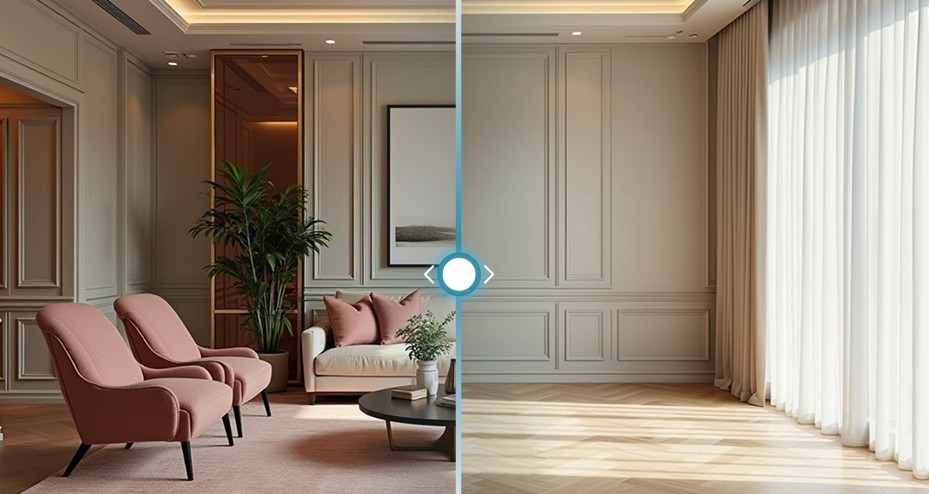

AI furniture removal from photos makes it possible to picture the room looking more empty, without having to physically move the furniture or take new photos after clearing it out. Instead of imagining how the space will look after removing the sofa, the table, or the cabinets, you can use smart tools that erase the selected items from the photo and rebuild the parts that appear behind them in an approximate way. The quality of the result of these tools depends on the clarity of the photo and the room’s details, and some areas may need additional adjustments to look natural.
In this article, we review how to do AI furniture removal from photos, and its most important uses. We will also explain the steps that help you get a suitable result before starting to redesign your room.
What Is Meant by AI Furniture Removal from Photos?

It is the use of digital tools to delete furniture and decor pieces from room photos, and to create a version that looks empty while keeping the shape of the space and its basic details as much as possible.
Instead of physically moving the sofas, tables, and cabinets, you can upload a photo of the room and let the tool process it so that it becomes ready for trying a new design.
This technology differs from simply cutting items out of the photo; the AI tries to process the areas that were behind the furniture, such as parts of the walls and floors, to show the room in a more consistent look.
The result is used as a starting point for trying different furniture layouts, colors, and decor styles, with the possibility of needing to correct some details depending on the original photo.
Why Is It Preferable to Remove Furniture Before Redesigning the Room?

AI furniture removal and starting with an empty photo help you focus on the potential of the space itself instead of being influenced by the arrangement of the existing pieces. Through it:
- It becomes easier to picture the room without the sofas, tables, and cabinets that take up visual space.
- You can try different decor styles and furniture layouts without the old design remaining present in the photo.
- You can evaluate multiple ideas for the same room and compare the results before making purchase decisions.
- You do not need to physically empty the room just to create an initial visualization of how it will look after the renovation, and thus you save time and effort.
How Does an AI Furniture Removal Tool Work?
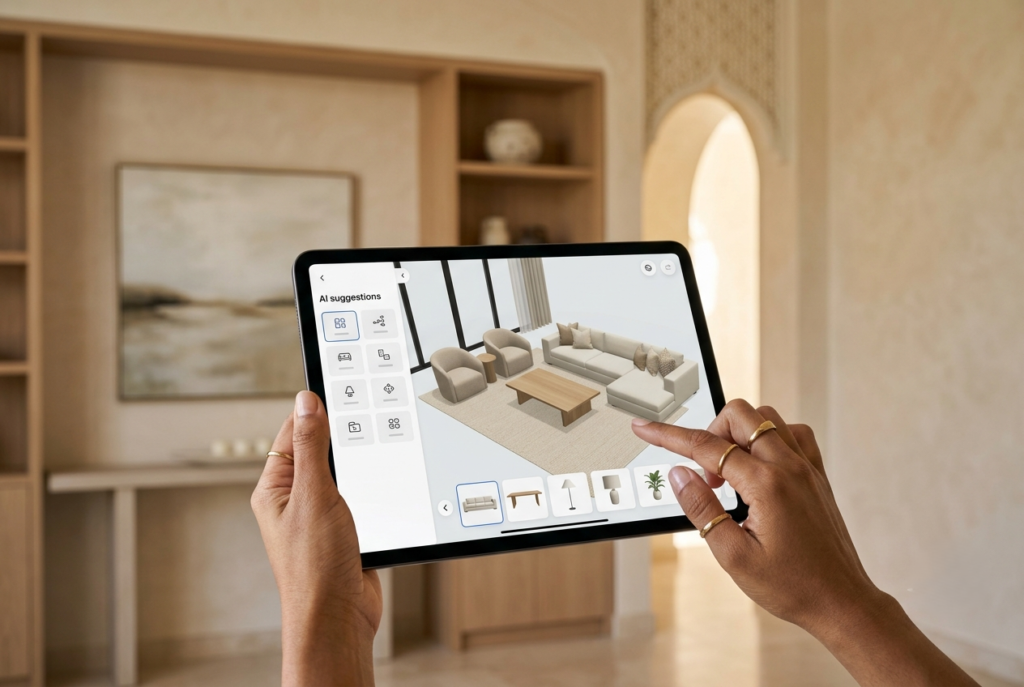
These tools rely on analyzing the contents of the photo and recognizing the furniture and the items that should be removed.
Then the areas they occupied are processed to produce a photo in which the room looks more empty.
The AI tries to recreate the hidden parts of the walls and floors in a way that suits the rest of the photo.
After that, the resulting photo can be used to try new furniture and different colors and decor styles.
What Is the Best AI Furniture Removal Tool for Photos?
Zory’s AI furniture removal tool is considered one of the best Arabic AI interior design tools. This tool combines emptying the space with exploring new interior design ideas.
Zory‘s furniture removal tool allows you to upload a photo of a furnished space and remove the furniture and items in it, while trying to keep the shape of the room and its basic details.
After that, you can make use of the smart design tools available on the platform to try new styles and picture how the space will look after the change.
What Are the Features of Zory’s AI Furniture Removal Tool?
Zory’s furniture removal tool helps you move from a photo crowded with current items to a clearer visual space.
It can be used to explore new designs, and among its most prominent features:
- Getting rid of the items that appear in the photo without needing to physically move them out of the room.
- Keeping the details of the space and the basic shape of the room, including the features of the walls and floors, as much as possible.
- No need to take a photo of an empty space, as you can use a photo of your current room.
- Preparing the photo for a new design by reducing the existing elements, to explore different ideas without the visual distraction caused by the old furniture.
- Continuing the design on the same platform, as after removing the furniture, you can move to Zory’s interior design tools to try new decor styles and furniture.
How Do You Use Zory’s Tool to Remove Furniture from a Photo of Your Room Easily?
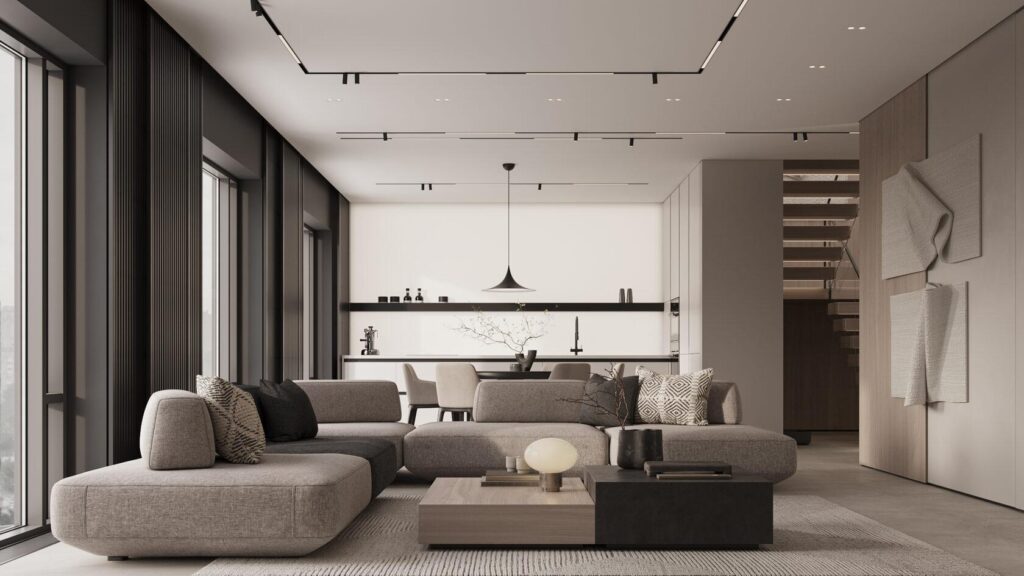
Below are the steps you will need to follow to be able to use Zory’s AI furniture removal tool:
- Go to Zory’s furniture removal tool, then log in to the platform.
- Click the “Remove Furniture” button, and you can go directly from here.
- Click the “Choose File” button, then upload the room photo and choose a clear photo that shows the space and the furniture you want to remove.
- Start the processing so that the AI removes the furniture and decor that appear in the photo.
- Check the look of the walls, floors, and the details surrounding the deleted items, especially the areas that were hidden behind large pieces.
- Use the resulting photo to move to the design tools in Zory, and try different ideas and design using real products and furniture.
When Do You Need to Remove Furniture from the Photo Before Redesigning?
The AI furniture removal tool is useful when you want to explore the potential of the room without being bound by its current layout.
It is a suitable option in the following cases:
- Renovating the living room: If you are planning to replace the sofas and tables or change the decor style entirely.
- Refurnishing the bedroom: When you want to try a different layout for the bed, cabinets, and the rest of the pieces.
- Changing the home’s style: If you want to move from a traditional style to a modern design, or try new colors and materials.
- Preparing a new home: When you need to picture furnishing options before buying the core pieces.
- Renovating a property or preparing it for showing: When you want to explore alternative visual representations of the space before making decisions about furnishing.
How Do You Redesign Your Room After AI Furniture Removal from Photos?
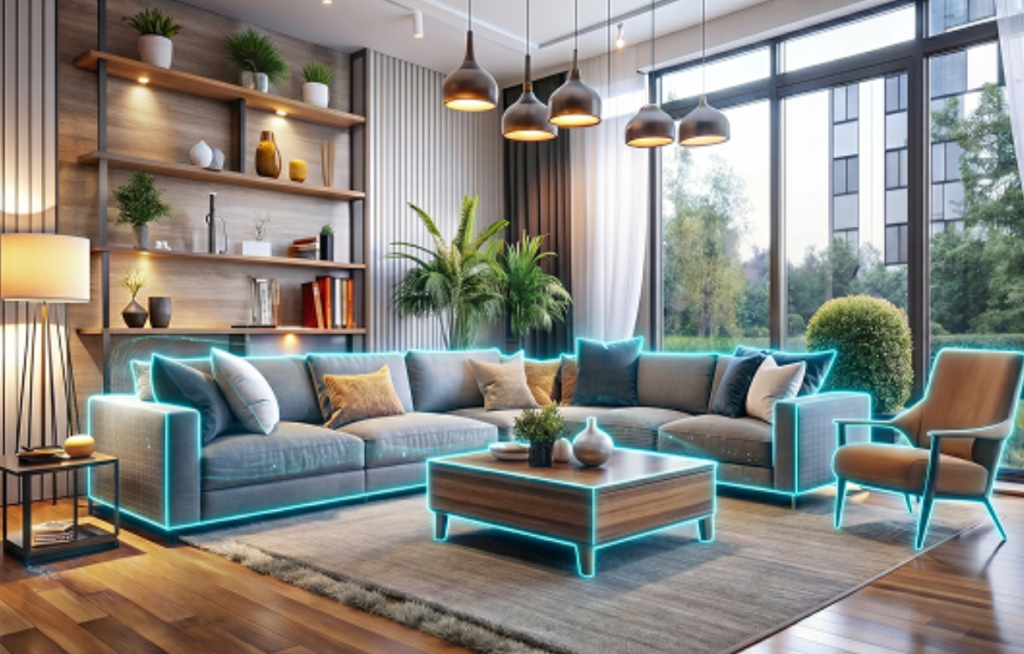
After getting a photo in which the room looks empty, you can use it as a basis for trying out redesigning the room instead of starting from scratch.
To get more benefit from this stage, we advise you to follow these steps:
- Determine the style that suits you: Choose the general character of the room, such as modern, minimalist, or classic design, while taking the use of the space into account.
- Try a coordinated color palette: Explore the shades of the walls and floors and the colors you want to combine with the furniture.
- Plan the layout of the pieces: Picture the places of the main furniture, while leaving comfortable movement paths and not obstructing the doors and windows.
- Explore furniture and decor options: Try different pieces in terms of shape, size, and style, instead of committing to the first visualization that appears to you.
- Check the details before buying: Compare the dimensions of the actual products with the room’s measurements, and confirm the prices and availability before making the decision.
You can make use of Zory’s shoppable AI room design tools to continue these steps after removing the furniture, and try various visualizations for the same space.
Conclusion
Renovating your room no longer requires physically emptying it in order to picture how it would look with a different design.
With AI furniture removal from photos, you can start from a space that looks empty, and explore new layouts, colors, and furniture pieces before making purchase decisions.
Try Zory’s AI furniture removal tool, then move on to the AI interior design tools to give your room a new visualization that reflects your taste and needs.